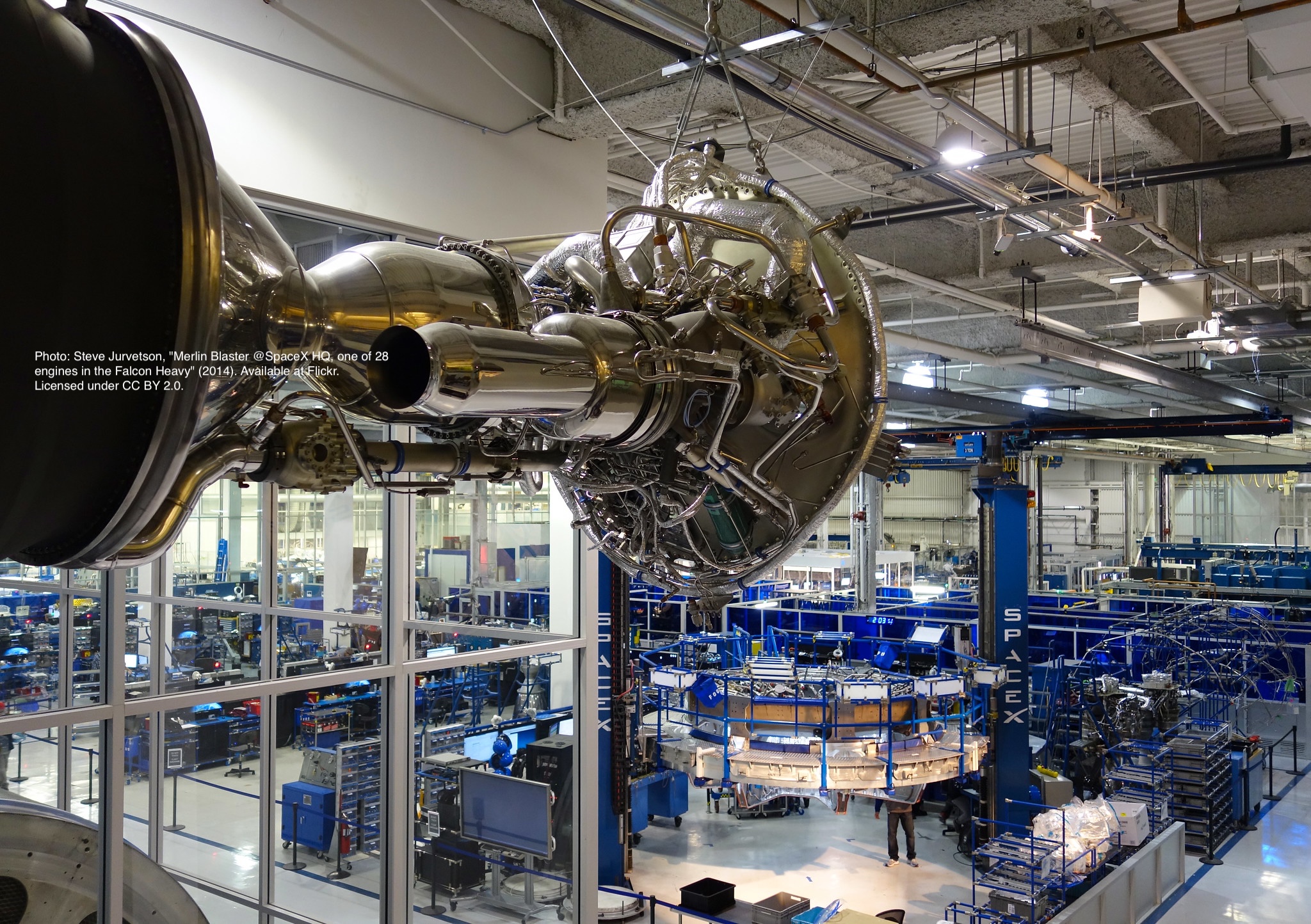
Header 1
Used for the title (already generated automatically at the top)
Header 2
Use this for the header of each section
Header 3
Use this to have subsection if needed
Embedding images
External images


“Starship Test Flight Mission” from https://www.flickr.com/photos/spacex/52821641477/
You can put in multiple entries. All images will be at a fixed height in the same row. With smaller window, they will switch to columns.
Embeed images

place the images in project folder/images then update the file path.
Embedding youtube video
The second video has the autoplay on. copy and paste the 11-digit id found in the url link.
Example : https://www.youtube.com/watch?v={MhVw-MHGv4s}&ab_channel=engineerguy
you can also set up custom size by specifying the width (the aspect ratio has been set to 16/9). The default size is 560 pixels x 315 pixels.
The width of the video below. Regardless of initial width, all the videos is responsive and will fit within the smaller screen.
Adding a hozontal line
Starting a new line
leave two spaces “ “ at the end or enter
Adding bold text
this is how you input bold text
Adding italic text
Italicized text is the cat’s meow.
Adding ordered list
- First item
- Second item
- Third item
- Fourth item
Adding unordered list
- First item
- Second item
- Third item
- Fourth item
Adding code block
def hello_world
  puts "Hello, World!"
end
def start()
  print("time to start!")
let x = 1;
if (x === 1) {
  let x = 2;
  console.log(x);
}
console.log(x);
Adding external links
Adding block quote
A blockquote would look great if you need to highlight something
Adding table
| Header 1 | Header 2 |
|---|---|
| Row 1, Col 1 | Row 1, Col 2 |
| Row 2, Col 1 | Row 2, Col 2 |
make sure to leave aline betwen the table and the header